How to Choose the Right Cat5 Extender for Your Needs
Choosing the right Cat5 Extender starts with a simple question: what must reach the far end of the cable? A security camera, access point, and desktop have different power and bandwidth needs. The room matters, too. A warehouse ceiling, a damp utility area, and a crowded equipment cabinet create different installation demands.
Cisco’s Annual Internet Report (2018–2023) forecast 5.3 billion internet users by 2023, or 66 percent of the global population. That forecast illustrates the expanding number of connected endpoints, but it does not tell you which extender to buy. For that, check the actual device specifications. Standard twisted-pair Ethernet channels are generally limited to 100 meters, including patch cords; extender designs and supported distances vary. Verify the manufacturer’s distance, data-rate, and power-over-Ethernet limits for your exact setup. Small print matters.
Networking professor and author Andrew S. Tanenbaum famously observed, “The nice thing about standards is that you have so many to choose from.” It is a useful reminder: similar-looking products may rely on different technologies and assumptions. Compare single-port and multiport models, local power requirements, environmental ratings, and whether the link needs to carry PoE. Check compatibility at both ends. Then test the installed run under realistic conditions.
A neat spec sheet is not a field test. I would not choose by advertised distance alone; that number can depend on cable quality, power draw, and installation. This guide examines those trade-offs and helps match a Cat5 Extender to the real job—not just the product label.
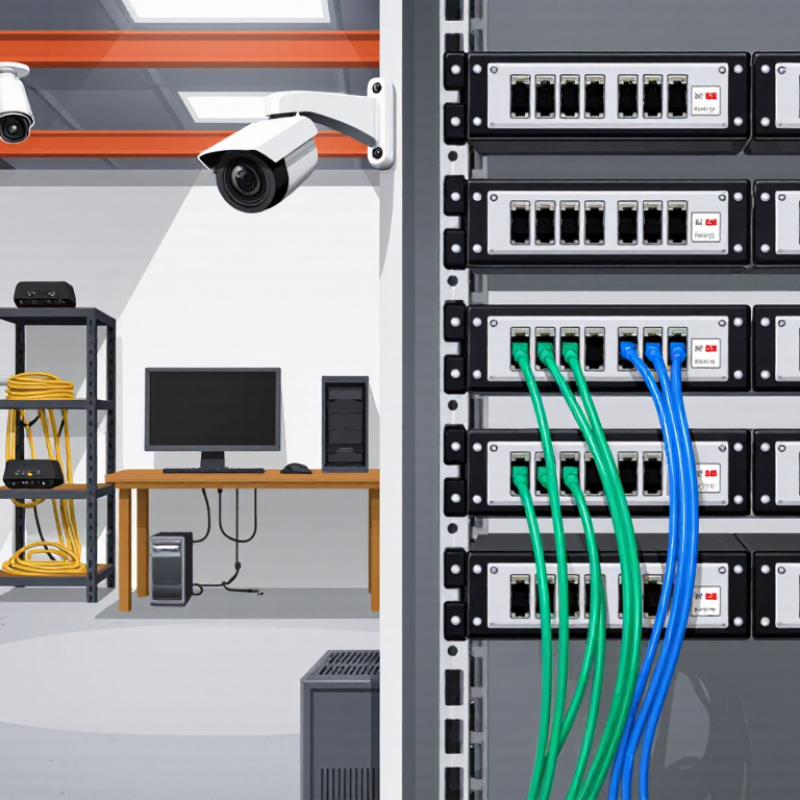
What a Cat5 Extender Does and How It Works
A Cat5 extender carries a signal farther than a standard Ethernet cable run can reliably reach. A typical Ethernet channel is limited to about 100 meters. The extender uses a pair of units, or one active device and a compatible endpoint, to transmit data over existing twisted-pair cable. It may regenerate the signal or convert it for travel over the longer cable. That matters. The exact method depends on the extender’s design.
Setup is usually straightforward: connect the network source to one unit, run the Cat5 cable between the units, then connect the far end to a router, switch, or other device. Some models need power at both ends. Others use different wiring or power arrangements, so check the instructions before installation. Cable condition, distance, electrical noise, and the extender’s supported speed can all affect performance. A worn cable in a warm utility closet may behave differently from a new cable in a quiet office.
The name can be confusing. Some products called Cat5 extenders carry Ethernet, while others send HDMI video over Cat5 cable. They are not interchangeable. It is easy to assume that any Cat5 cable will deliver the advertised distance and speed, but that is not guaranteed. Check the supported cable type, maximum distance, and data rate for the specific setup.
Assess Your Distance, Network, and Power Requirements
Choosing a Cat5 extender starts with the cable route, not the product box. IEEE 802.3 Ethernet specifications generally cap a copper channel at 100 meters, including patch leads. Beyond that, signal quality and speed can suffer. Measure the actual path, including ceiling turns and equipment-room slack. Measure twice. Also check whether the link needs 100 Mbps or gigabit service; some extenders increase reach but reduce throughput. Confirm compatibility with your cable category and connected devices.
Power matters when cameras, access points, or phones receive PoE through the extender. IEEE 802.3at allows up to 30 watts from the source, with up to 25.5 watts available to the powered device. IEEE 802.3bt Type 4 raises the source limit to 90 watts, but cable length, resistance, and connection quality affect what arrives. Add the devices’ power needs, then leave headroom. A warm connector is worth investigating, not ignoring.
Tips: Sketch the route and label every switch, patch lead, and powered device. Check the extender’s supported distance at your required speed and PoE level; maximum figures may not apply to every setup. Test the installed link under load. I’ve seen neat plans miss one awkward patch cable, and that detail can change the result.
Compare Cat5 Extender Types and Transmission Methods
Cat5 extenders do not all carry the same kind of signal. Some send HDMI video and control signals over twisted-pair cable; others extend Ethernet data between network devices. Check the ports and supported protocol before comparing distance claims. A video kit with a transmitter and receiver may look like an Ethernet extender, but it will not replace a network switch. Small detail, big difference.
For a dedicated screen, a point-to-point extender is often simplest: the transmitter sits beside the source, and the receiver sits by the display. Many HDBaseT-style systems carry uncompressed video and control signals; some also carry power. Image quality can remain high, but cable category, termination, and resolution affect reach. IP-based extenders packetize video for a network. They can serve multiple screens, but may introduce compression, network setup, or latency. That trade-off matters for fast-moving games or control rooms.
Before choosing, check whether the system needs one cable or two, and whether it uses a direct link or a shared network. Verify the exact Cat5e or Cat6 requirement, then test the planned route, including wall plates and patch cords. I would not treat a distance printed on a box as a guarantee. A long run with a tight bend can behave differently from a short, clean bench test.
Check Compatibility, Speed, and Environmental Ratings
A suitable Cat5 extender must match the cable, network protocol, and actual traffic load. Check whether it supports your Ethernet speed, such as 100 Mbps or 1 Gbps, and whether it needs all four cable pairs. TIA-568.2-D and IEEE 802.3 describe structured cabling and Ethernet requirements; a standard twisted-pair channel is generally limited to 100 meters. An extender may go farther, but its achievable speed depends on cable quality, distance, and electrical noise. Old cable can be unpredictable.
Check the installation site before choosing a unit. IEC 60529 defines IP ratings for protection against dust and water; a higher rating may suit a damp utility area, but it does not confirm resistance to heat or cold. Read the stated operating-temperature range, mounting guidance, and power requirements. For a long run near motors or fluorescent lighting, test the link under real conditions. A spec sheet cannot reveal every wiring flaw.
Tips: Confirm the cable category and pair count, then compare the extender’s rated speed at your planned distance. Leave room for patch cables and connectors. If the link carries video or frequent large transfers, choose for sustained throughput, not just the advertised maximum. I would still verify performance on-site before fixing the unit in place.
Plan Installation and Verify the Connection
Before buying a Cat5 extender, map the route and measure the actual cable path, including turns and service loops. A straight-line room measurement can underestimate the run. ANSI/TIA-568.2-D defines a 100-meter channel for balanced twisted-pair cabling, with up to 90 meters of permanent cabling and 10 meters of patch cords. Treat that as a planning benchmark, not a promise that every extender will support the same distance or speed. Check the extender’s published limits, cable category, power method, and compatibility with both connected devices. Keep the unit accessible, and avoid sharply bending the cable. Measure twice.
After installation, inspect each plug and confirm the cable pairs are wired correctly. A link light is useful, but it does not prove stable performance. Use a cable tester suited to the cable category, then test the connection under normal traffic. Check negotiated speed, packet loss, and whether the link drops when equipment is active. For a long or critical run, save the tester’s results and note the cable route and extender settings. I would not trust a tidy-looking installation alone; an imperfect termination can pass a quick glance and still cause intermittent faults. If performance varies, test each segment separately before replacing equipment.
Plan Your Cat5 Extender Installation
Standard copper Ethernet channel length is limited to 100 m. A typical channel allows up to 90 m of fixed cabling and a combined 10 m for patch cords.
Installation tip: Treat these figures as the standard Ethernet channel baseline, not as a guaranteed extender range. Check the extender’s specifications for supported cable type and distance. After installation, confirm link indicators and test the connection between the endpoints.